
Tools · Beta
SCC Presenter, free for every church.
Songs, scripture, pictures and video on your projector, with a stage screen, phone remote and livestream output. Free and open source, made by AOG Sandton City Church for Windows and Mac computers.

What it does
Everything for Sunday, nothing in the way.
Songs in seconds
Paste lyrics and get clean slides. Import from FreeShow, OpenLP and text files.
Bible on screen
Type “John 3:16” and it's there. Five free translations that keep working offline.
Every screen
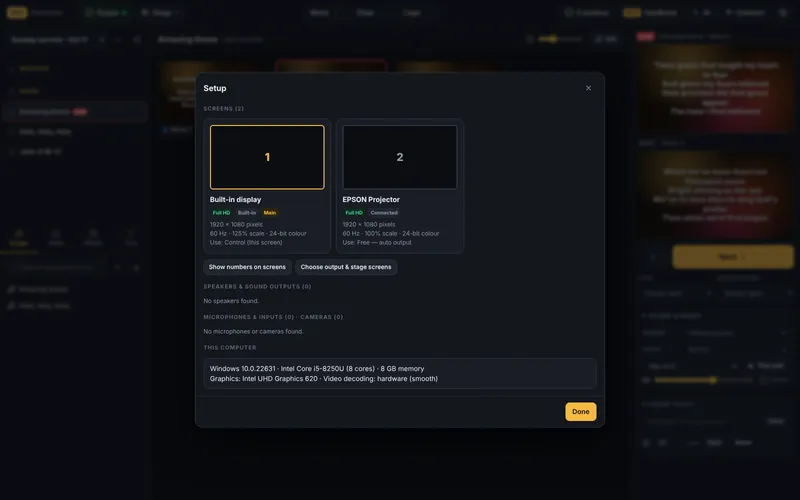
It finds your projector, TV and stage screen, with their sharpness and refresh rate.
Phone remote
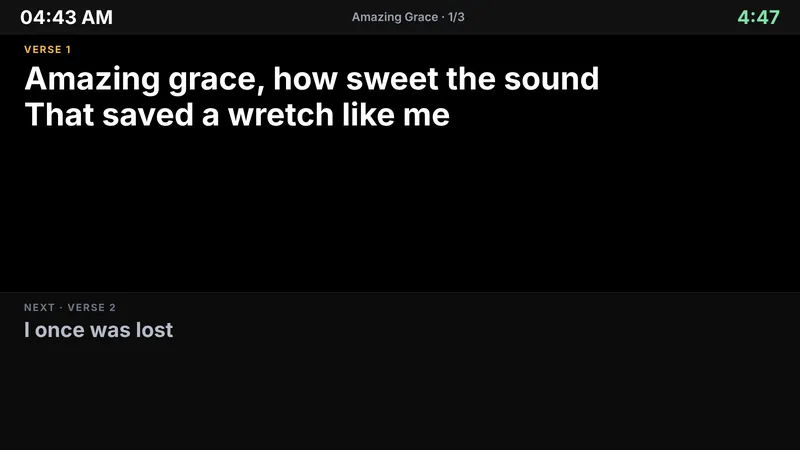
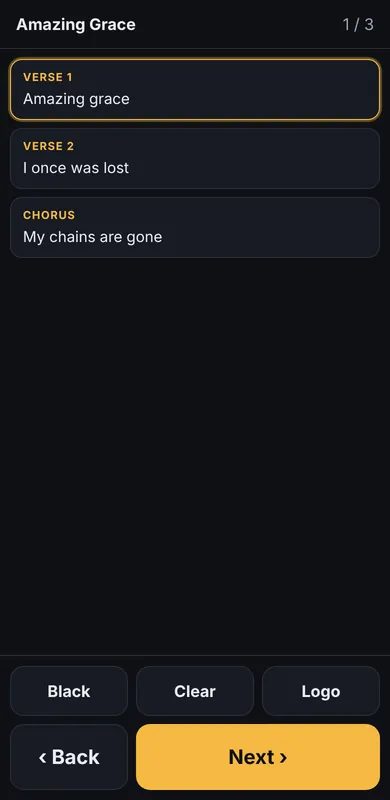
Move slides from your phone. Stage screen with clock, timer and messages for the band.
Built for ATEM
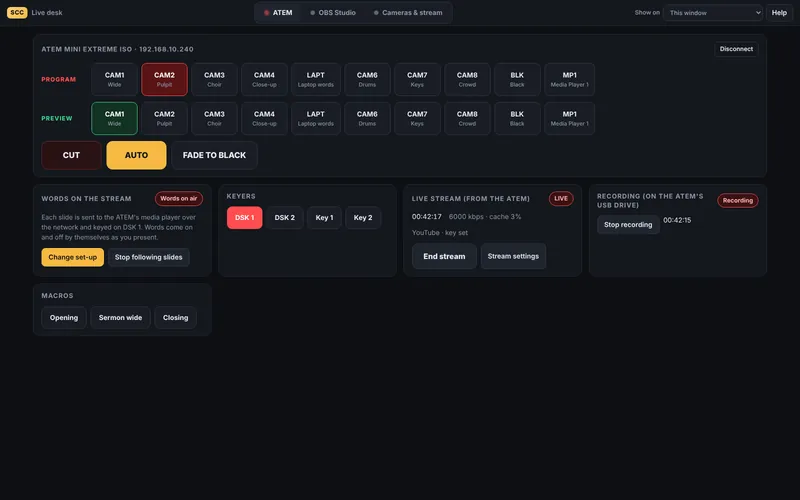
Switch cameras, keyers and macros, start the ATEM's stream, and put the song words on your stream automatically.
Every screen its own job
Projector, side TVs, stage screen and words-on-black for keying, all from one show.
OBS made simple
Big scene buttons, Go live, Record and mutes. One tap adds your words to OBS.
Bring your songs
Finds FreeShow and imports everything in the background, even after a restart.
Sound and pads
Choose the speaker, clear-voice and warm-music settings, and worship pads in any key.
Helpful AI
Tidy pasted lyrics, find verses for a topic and turn sermon notes into slides.
Share services
Send a whole service to another computer, as a file or over your church Wi-Fi.
Good to know
Which computers does it run on?
Windows 10 or 11, and Mac computers (Apple Silicon and Intel, macOS 11 or newer). It's built for laptops and desktops; there's no phone version. On older computers it switches to Light mode by itself to keep slides and video smooth.
Why does my computer show a warning the first time?
The beta isn't code-signed yet, so Windows and macOS show a warning once. Windows: click More info → Run anyway. Mac: Control-click the app → Open, or go to System Settings → Privacy & Security → Open Anyway. After that it opens normally.
How many people can join the beta?
Only the first 20. Each tester gets a personal beta key so their feedback comes straight to our team. The beta runs until 31 December 2026, and the full release arrives on 31 January 2027.
Can I use our church's songs?
Yes. Import or type the songs your church sings. Modern songs are copyrighted, so show them under your church's CCLI licence, as with any presentation software.
Is it really free?
Yes, and it always will be. It's open source under the MIT licence, so anyone can use, share and improve it.